 [July - 8th week tip]
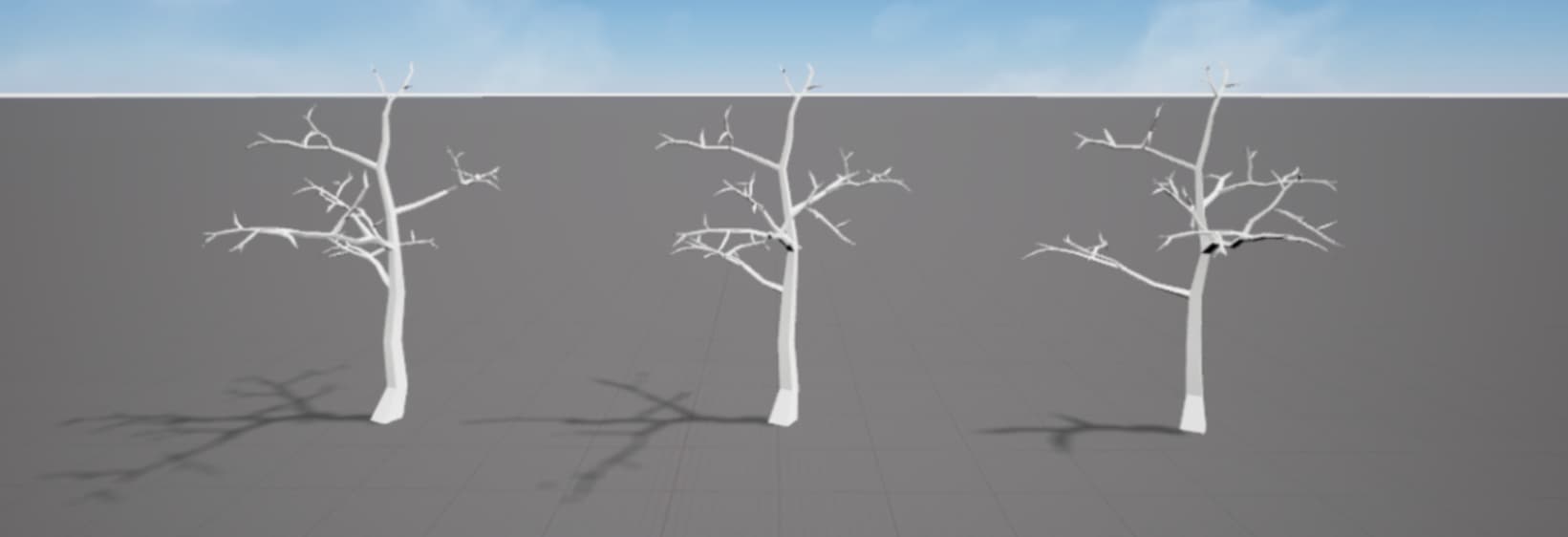
Shadow Detail Level is an optimization technique that controls the complexity of shadow calculations.
By using a simplified mesh (Low-Detail Mesh) for objects that are farther away, you can reduce rendering load and improve overall game performance.
You can apply Shadow Detail Level to your entire game or to individual meshes.
 Applying to whole game
Select the Lighting service, then use the Shadow Detail Level in the Properties panel to set the overall shadow complexity.
 Applying individually
Select a mesh and enable “Enable Mesh Shadow Details” in the Properties panel. This allows you to set the Mesh Shadow Detail Level on an individual basis, which will override the global setting in the Lighting service.
 Notes
Notes
If a mesh’s shadow is not visible, check to make sure “Cast Shadow” is enabled in the mesh’s Properties panel.
For shadows to be displayed, the user must open the Overdare App on their mobile device, go to the settings, and set the “Graphics” option to “Prioritize Quality”.
 Learn more: